> For the complete documentation index, see [llms.txt](https://help.tacinsight.com/fast-weigh-knowledge-base/llms.txt). Markdown versions of documentation pages are available by appending `.md` to page URLs; this page is available as [Markdown](https://help.tacinsight.com/fast-weigh-knowledge-base/references/web-portal/resources/inspectors.md).
# Inspectors
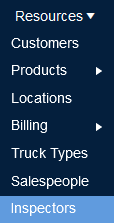
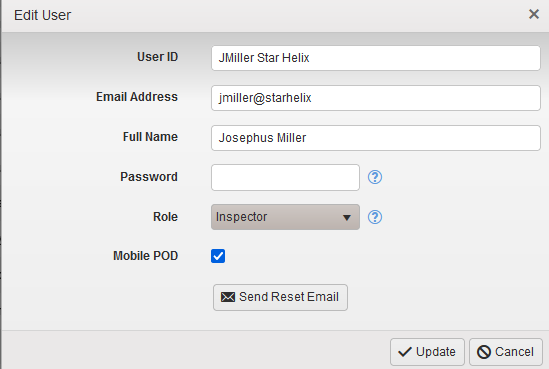
The Inspector [User Administration Role](/fast-weigh-knowledge-base/references/web-portal/roles-and-responsibilities.md) can be used to give Inspectors access to your Web Portal and [the ability to approve or deny tickets with POD](/fast-weigh-knowledge-base/references/mobile-app.md).
Once you have setup [User Accounts](/fast-weigh-knowledge-base/how-to-guides/how-to-create-new-records/creating-new-web-portal-users.md) for you Inspectors, you can assign them to specific Orders that they are able to see to approve or deny tickets with POD.
Select the Inspector from the drop down menu, and then select the orders you want them to be able to see between only Active Orders or all Orders.