


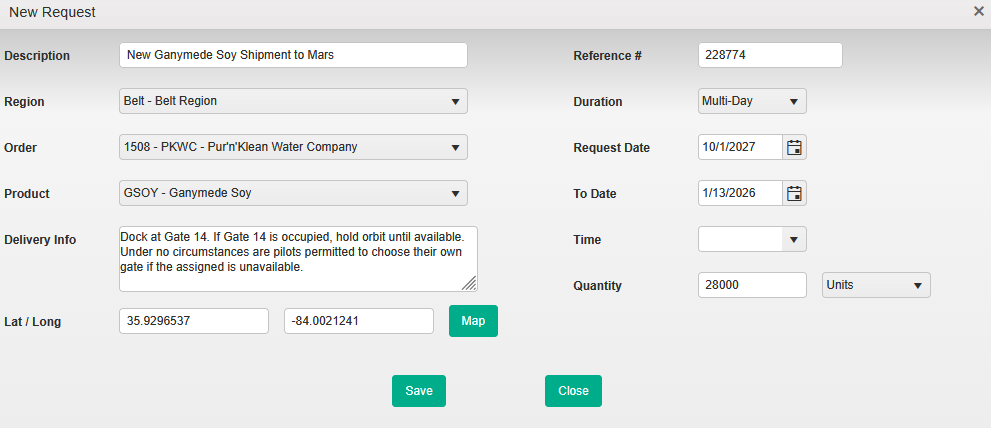

Ensure that all of the Required fields are entered Required fields will be noted as above until they are selected. If no selection is available in a required field, you will need to reach out to the contact at your merchant for assistance.
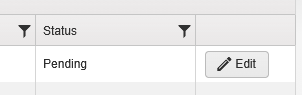
Pending requests can be edited until they are accepted by your merchant. Any other changes after the request has been accepted, such as editing the Delivery Info or requested Quantity, will need to be managed by your merchant.