> For the complete documentation index, see [llms.txt](https://help.tacinsight.com/fast-weigh-knowledge-base/llms.txt). Markdown versions of documentation pages are available by appending `.md` to page URLs; this page is available as [Markdown](https://help.tacinsight.com/fast-weigh-knowledge-base/how-to-guides/how-to-set-up-sso-login.md).
# How to Set Up SSO Login
This page will walk you through how to set up your SSO login for Fast-Weigh
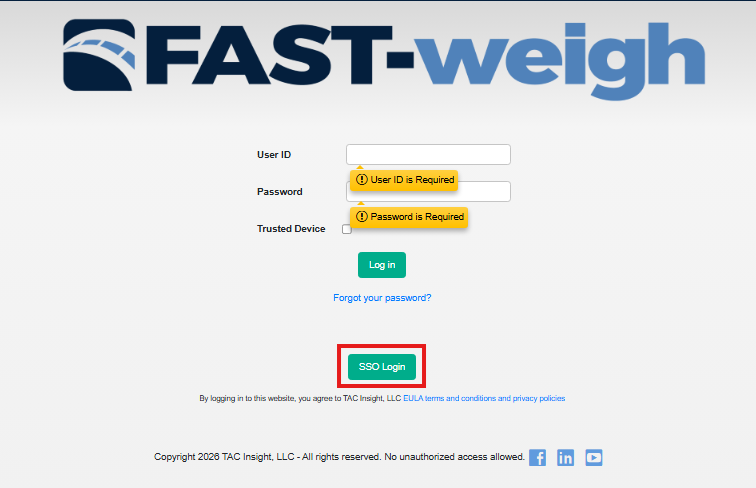
1. Navigate to portal.fast-weigh.com
2. Click on the SSO Login button
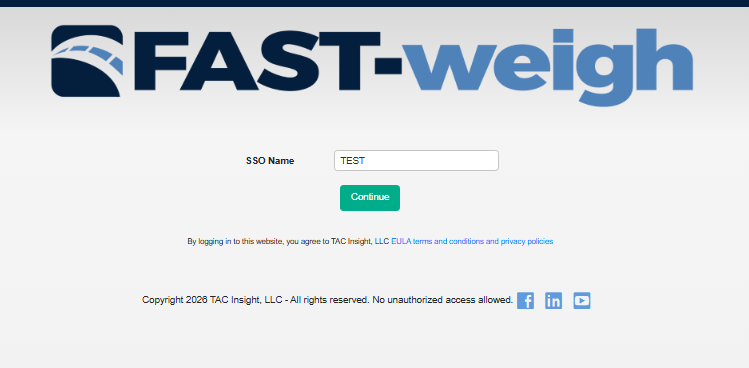
3. Enter your SSO name, which is your TenantID in Fastweigh, and your admin can provide you with this ID
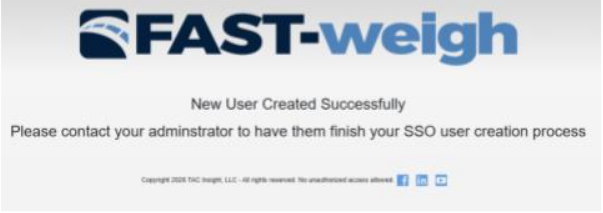
4. Contact your admin to complete the SSO login process