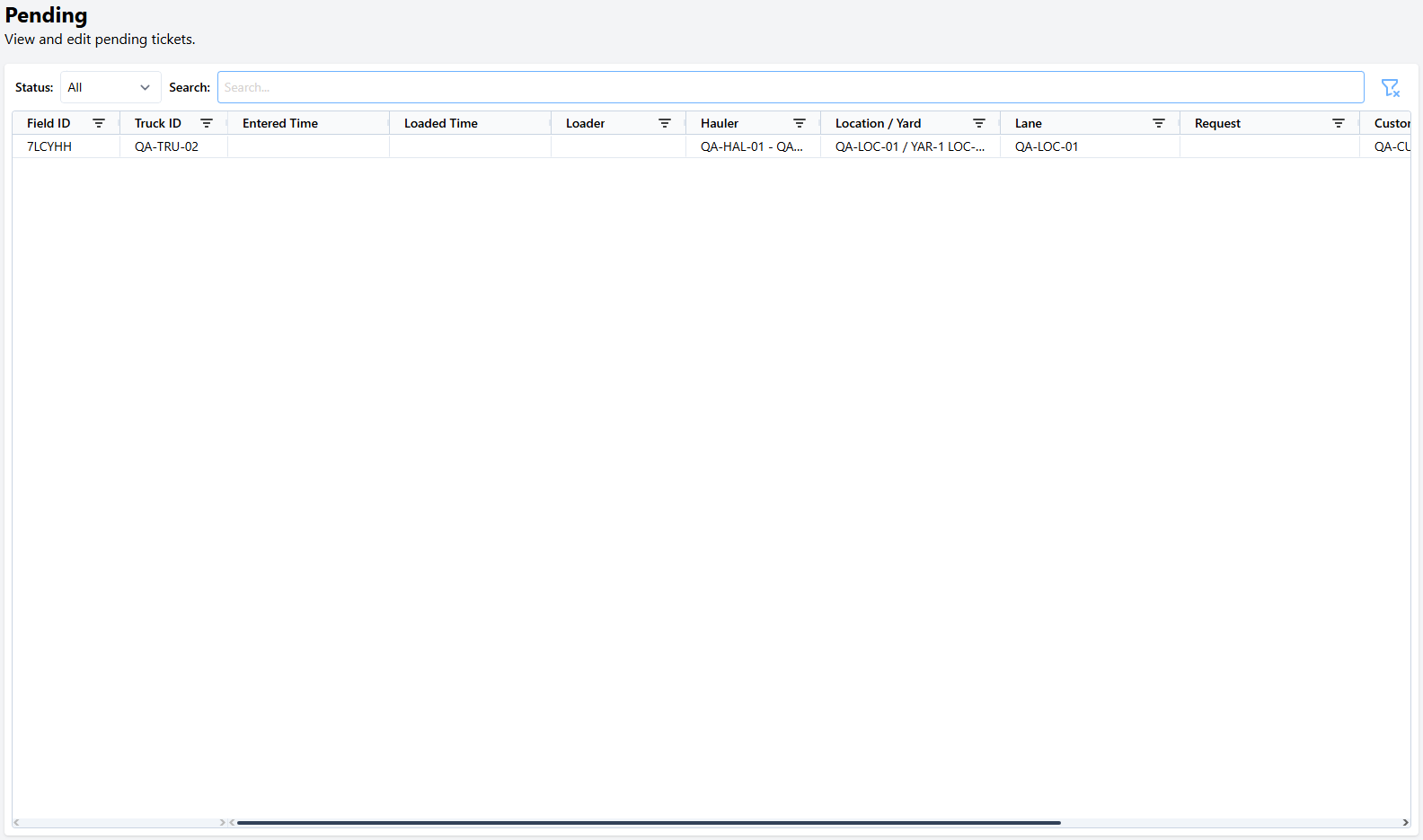
| Field ID | A unique identifier for the pending ticket. |
| Truck ID | The truck assigned to the pending ticket |
| Entered Time | The check-in time of the pending ticket. This will be blank if ticket was stashed, rather than checked-in. |
| Loaded Time | The time the pending ticket is marked as Loaded via the Fast-Weigh Loader Mobile App |
| Loader | The pending ticket's Loader from the Fast-Weigh Loader Mobile App |
| Hauler | The assigned Truck's Hauler |
| Location / Yard | The Location & Yard assigned to the pending ticket |
| Lane | The lane the ticket was stashed on |
| Request | The assigned Request |
| Customer | The assigned Customer |
| Order | The assigned Order |
| Product | The assigned Product |