> For the complete documentation index, see [llms.txt](https://help.tacinsight.com/fast-weigh-knowledge-base/llms.txt). Markdown versions of documentation pages are available by appending `.md` to page URLs; this page is available as [Markdown](https://help.tacinsight.com/fast-weigh-knowledge-base/how-to-guides/how-to-edit-records/editing-a-region.md).
# Editing a Region
{% stepper %}
{% step %}
### Navigate to \[ Resources > Location ]
{% endstep %}
{% step %}
### Click \[ ✏️]
{% endstep %}
{% step %}
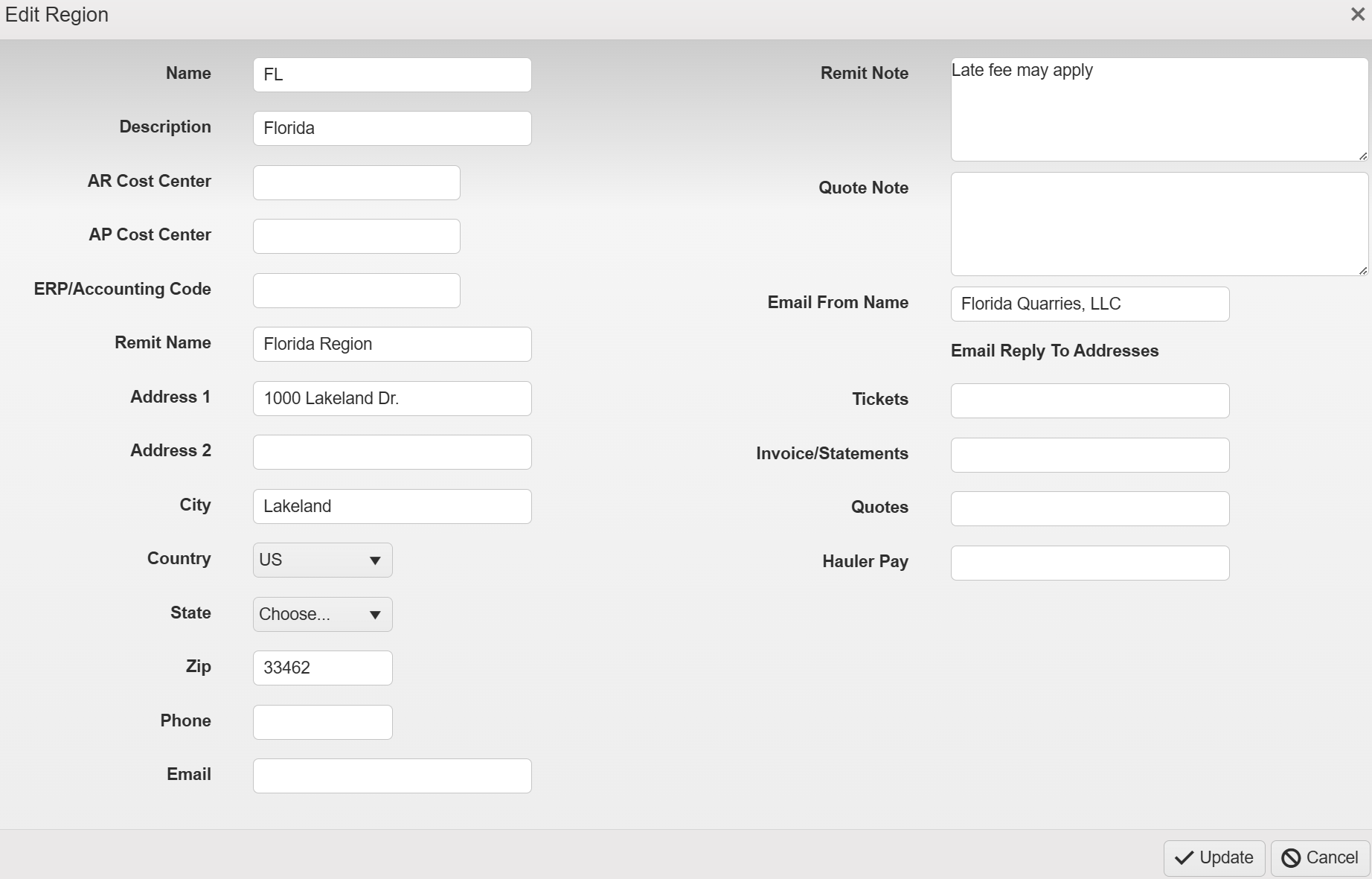
### Make Changes
After clicking the Pencil Icon, you can then update any fields you want to change.
{% endstep %}
{% step %}
### Click \[ Update ]
After making your changes, click \[ Update ] to apply the changes.
{% endstep %}
{% endstepper %}